Exporting images
How to export the selected layers to PNG, JPG, WebP or GIF from the plugin: where to open the Export Asset window, the format, scale and compression settings, the preview, limits and typical errors.
The plugin exports the selected canvas layers to raster files. One layer downloads as a file, several layers as a ZIP archive.
Where to open
Every path leads to the same Download window on the Export Asset tab:
| From | How |
|---|---|
| Dev Mode, the Inspect tab with nothing selected | The Export Asset… button in the empty state |
| Dev Mode, the Object model tab | The Export asset button above the layer diagram |
| Any mode | The Export to computer button in the plugin footer, then the Export Asset tab |
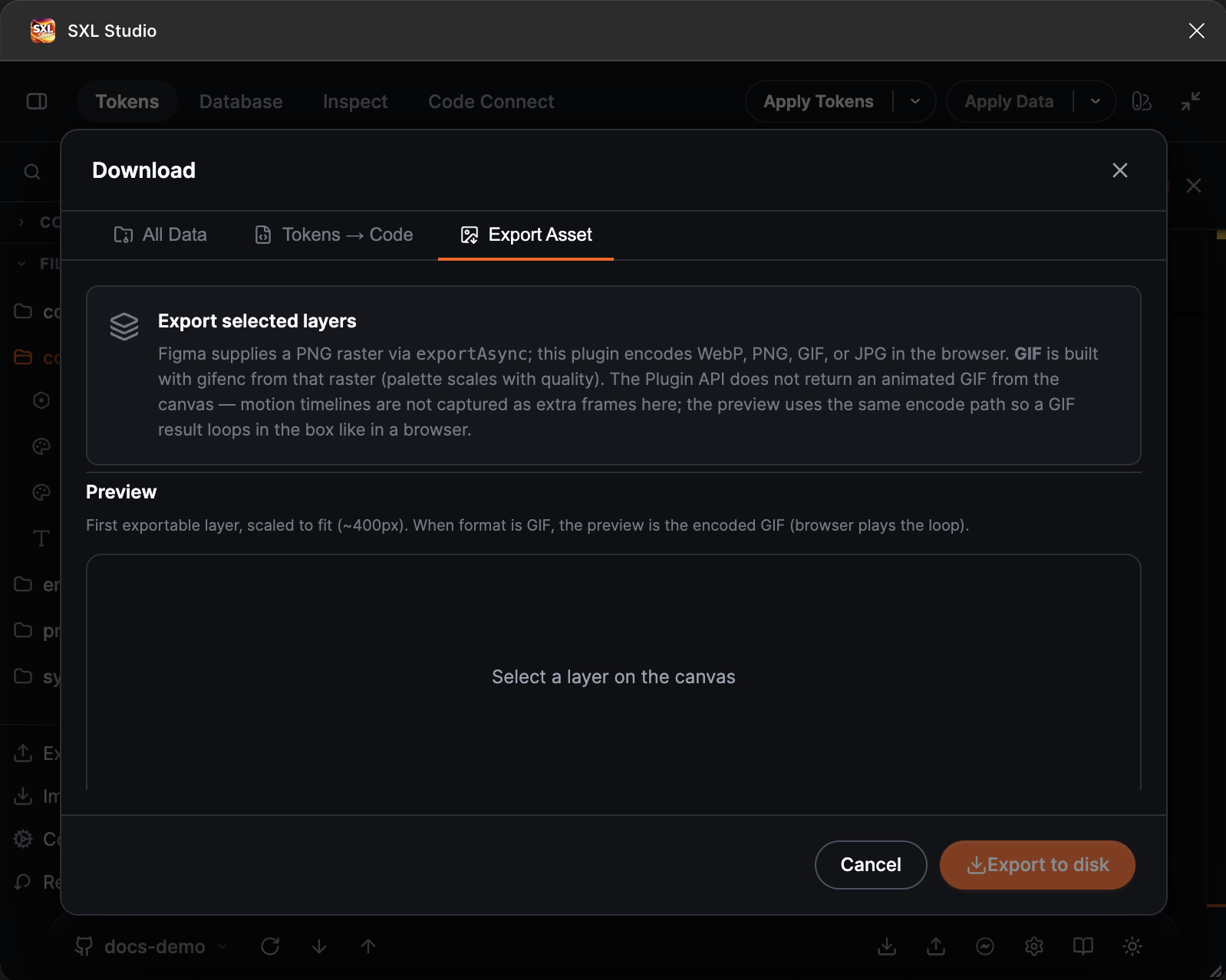
The Export Asset tab of the Download window: format, scale, compression and the preview of the first layer.
Formats
| Format | Notes |
|---|---|
| PNG | The original Figma bytes at maximum quality |
| JPG | Encoded with adjustable quality |
| WebP | Encoded with adjustable quality, with the Preserve transparency (alpha) toggle |
| GIF | A single raster frame, not an animation |
Settings
| Setting | Values |
|---|---|
| Format | PNG, JPG, WebP, GIF |
| Scale | from 0.25x to 4x |
| Compression | from 1 to 100 |
| Preserve transparency (alpha) | WebP only |
The preview is built from the first exportable layer of the selection and shows the result in the chosen format.
How to export
- Select one or more layers on the canvas.
- Open Download → Export Asset.
- Choose the format, scale and compression.
- Press Export to disk.
One layer downloads as a file, several layers as one ZIP archive.
Limits
- Up to 25 layers per export.
- A request that is too large is rejected with an error message: reduce the scale or the number of layers.
If something does not work
| What happened | What to do |
|---|---|
| The Select a layer hint, empty preview | The selection is empty or the layer cannot be exported as a raster. Select a frame, a component or a plain layer |
| Export too large | Reduce the scale or the number of selected layers |
| A WebP error | The environment does not support WebP encoding. Use PNG or JPG |