Dimension
Token types of the Dimension group: Dimension, Number, Sizing, Spacing. Units, percentages and rem, math, default scopes and how these tokens apply to layers.
The Dimension group holds numeric scales for spacing and sizes. All four types export as Figma Number variables and differ only in their default scope.
$type | Default scope | Purpose |
|---|---|---|
dimension | All scopes | General lengths |
number | All scopes | Unitless numbers: multipliers, ratios |
spacing | Gap | Spacing and padding |
sizing | Width and height | Element sizes |
In the Export to Figma window they are owned by the Variables → Number switch.
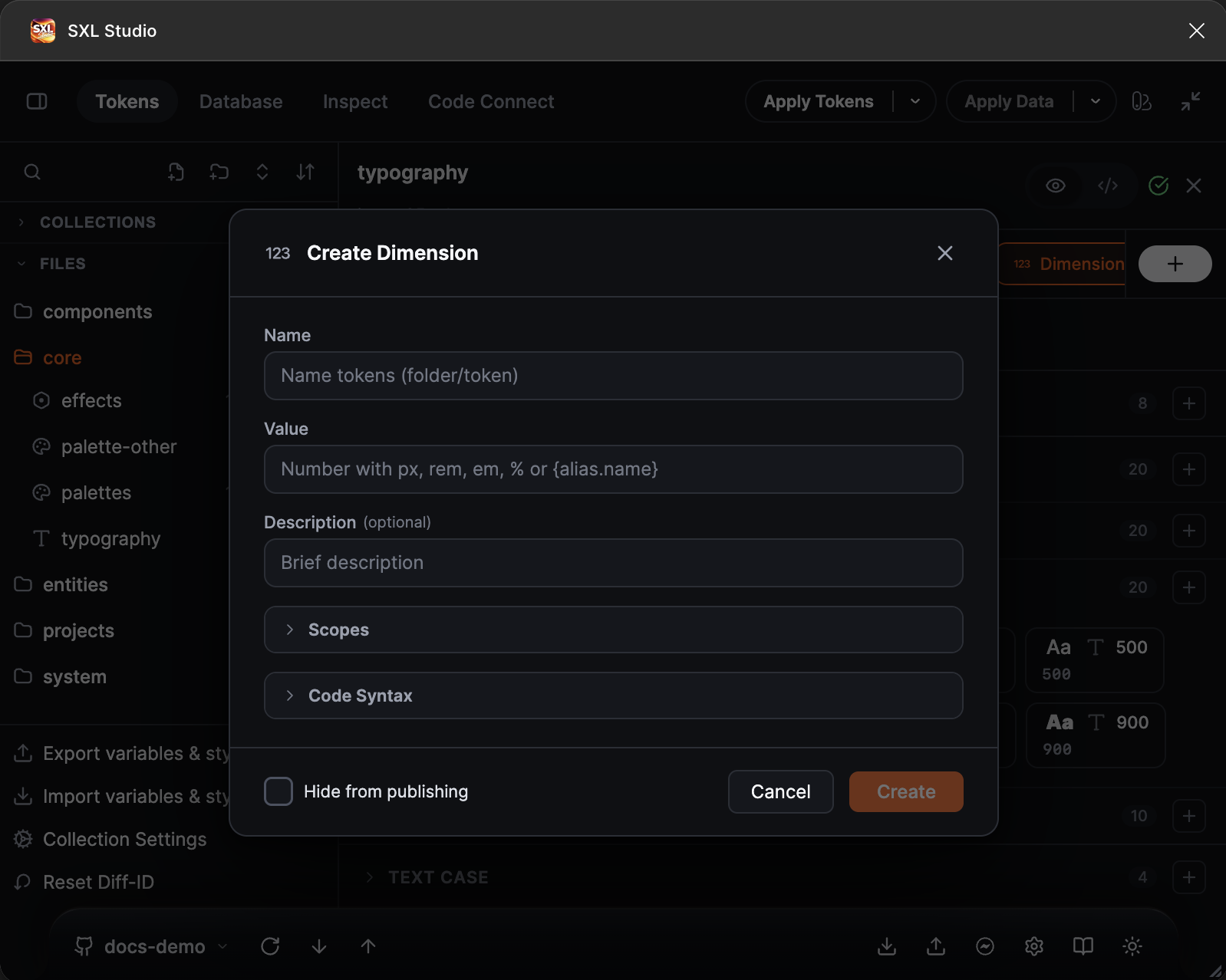
The Create Dimension form: the value with a unit hint, description, Scopes and Code Syntax.
Value forms
| Form | Example |
|---|---|
| A number | 16, 1.5, -2 |
| A string with a unit | "16px", "1.5rem", "2em", "50%" |
| A reference | "{spacing.md}" |
| Math with references | "{spacing.sm} * 2", "round({size.base} / 3, 2)" |
| A DTCG object | { "value": 24, "unit": "px" } |
The rem and em units are converted to pixels through the remBase base size from config.json, 16 by default. Percentages for these types are also taken from remBase: "50%" with a base of 16 gives 8. When you need an exact number, use px.
Math supports +, -, *, /, parentheses and the functions round, floor, ceil, trunc, min, max, clamp. In the editor a comma in a number is automatically replaced by a dot.
Dimension
A general length when the value is not specifically spacing or sizing.
{ "$type": "dimension", "$value": "16px" }
Number
Unitless numbers: multipliers, counters, ratios, line-height factors.
{ "$type": "number", "$value": 8 }
{ "spacing": { "$type": "number", "base": { "$value": 4 }, "scale": { "$value": "{spacing.base} * 1.5" } } }
Spacing
Spacing, padding and gaps. The Gap scope hides such variables from the width and height fields in Figma.
{
  "spacing": {
    "$type": "spacing",
    "xs": { "$value": "4px" },
    "sm": { "$value": "8px" },
    "md": { "$value": "{spacing.sm} * 2" }
  }
}
Sizing
Sizes of components and elements. The Width and height scope.
{
  "sizing": {
    "$type": "sizing",
    "control-sm": { "$value": "32px" },
    "control-md": { "$value": "40px" }
  }
}
References between types
References are not limited to the same type: dimension accepts references to dimension and number, spacing to spacing, number and dimension, sizing to sizing, number and dimension. A reference to a token of a different nature, for example a colour, gives a validation error in the editor.
How they apply to layers
The Apply Tokens button binds variables to layer properties by token name: width and height, gap, padding, corner radius, stroke width. Which property a token goes to is decided by its name and type: sizing goes to sizes, spacing to spacing and gaps, borderRadius to corner radii. More about bindings: Apply Tokens.
Full example
{
  "spacing": {
    "$type": "spacing",
    "base": { "$value": "4px" },
    "sm": { "$value": "{spacing.base} * 2" },
    "md": { "$value": "{spacing.base} * 4" }
  },
  "sizing": {
    "$type": "sizing",
    "icon": { "$value": "20px" },
    "control": { "$value": "40px" }
  },
  "ratio": {
    "$type": "number",
    "golden": { "$value": 1.618 }
  }
}