Figma plugin
The canvas surface.
Typed UI ↔ main architecture. Tokens, compositions, database Apply/Generate, Inspect & Swap, Git sync, and Dev Mode codegen.
TokensCompositionsGitDev Mode
SXL Studio is one toolbox for design systems: DTCG tokens, compositions, Dev Mode codegen, Git sync, and a local Bridge for Remote/MCP — all powered by the same contracts across Figma, code, and CLI.
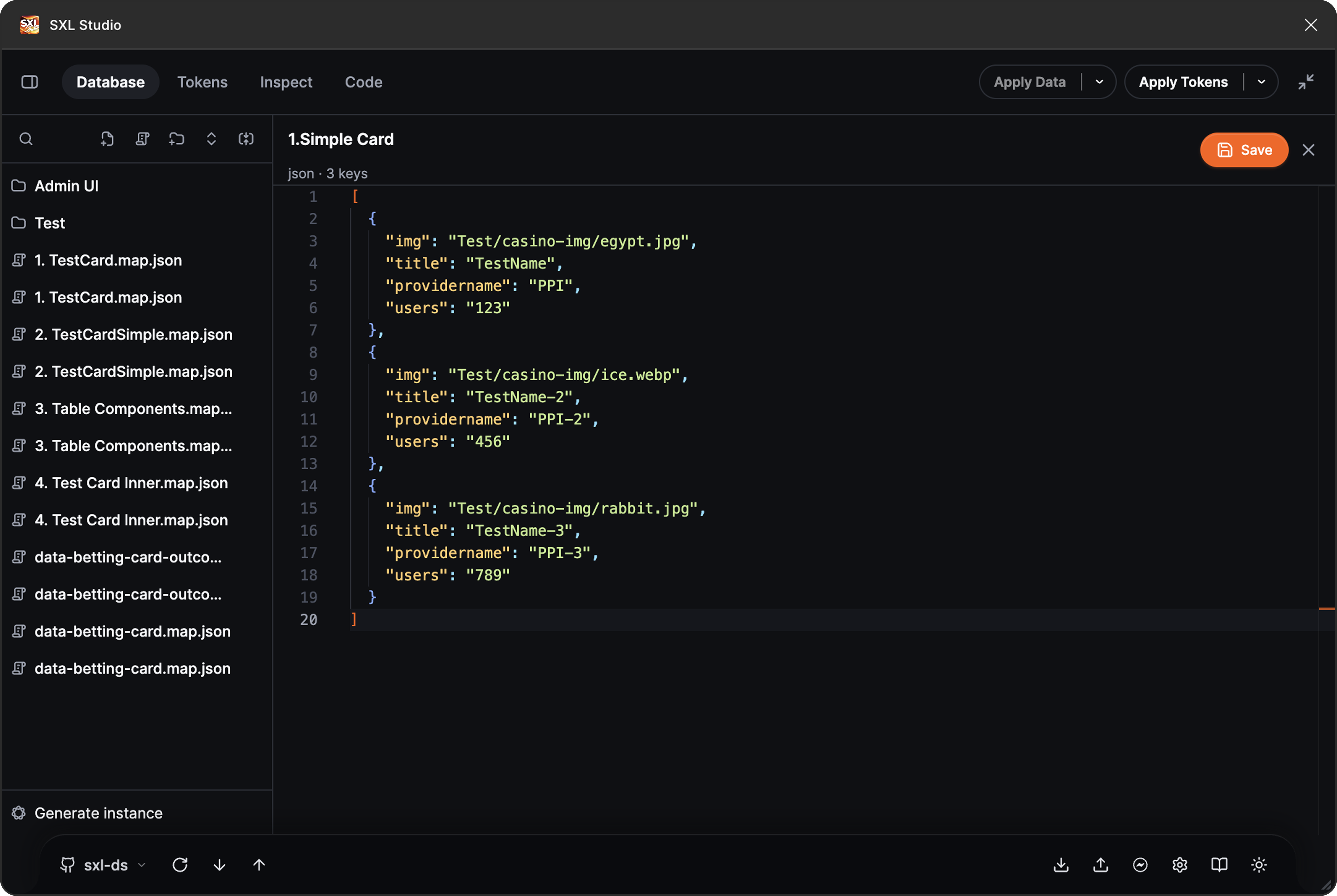
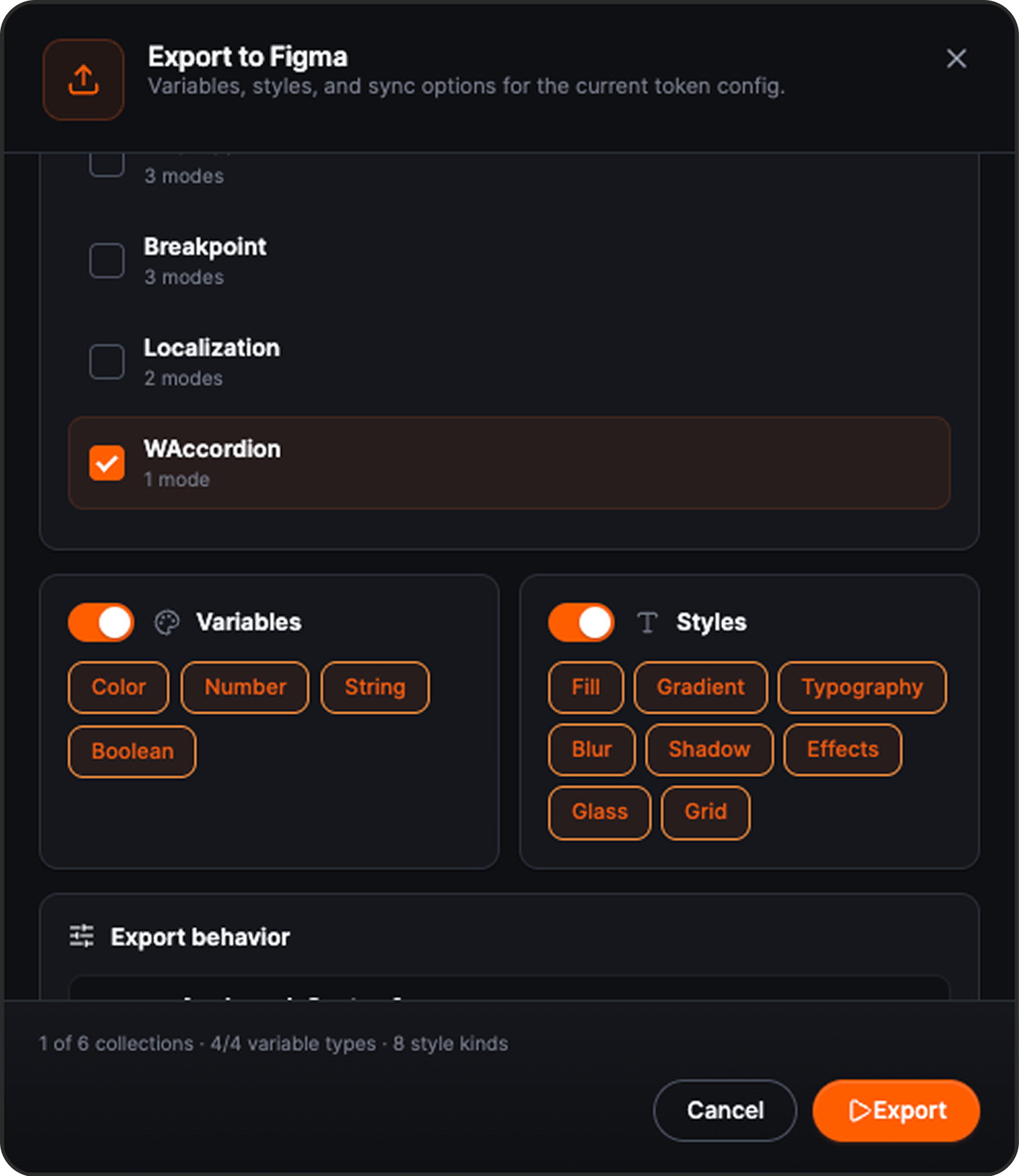
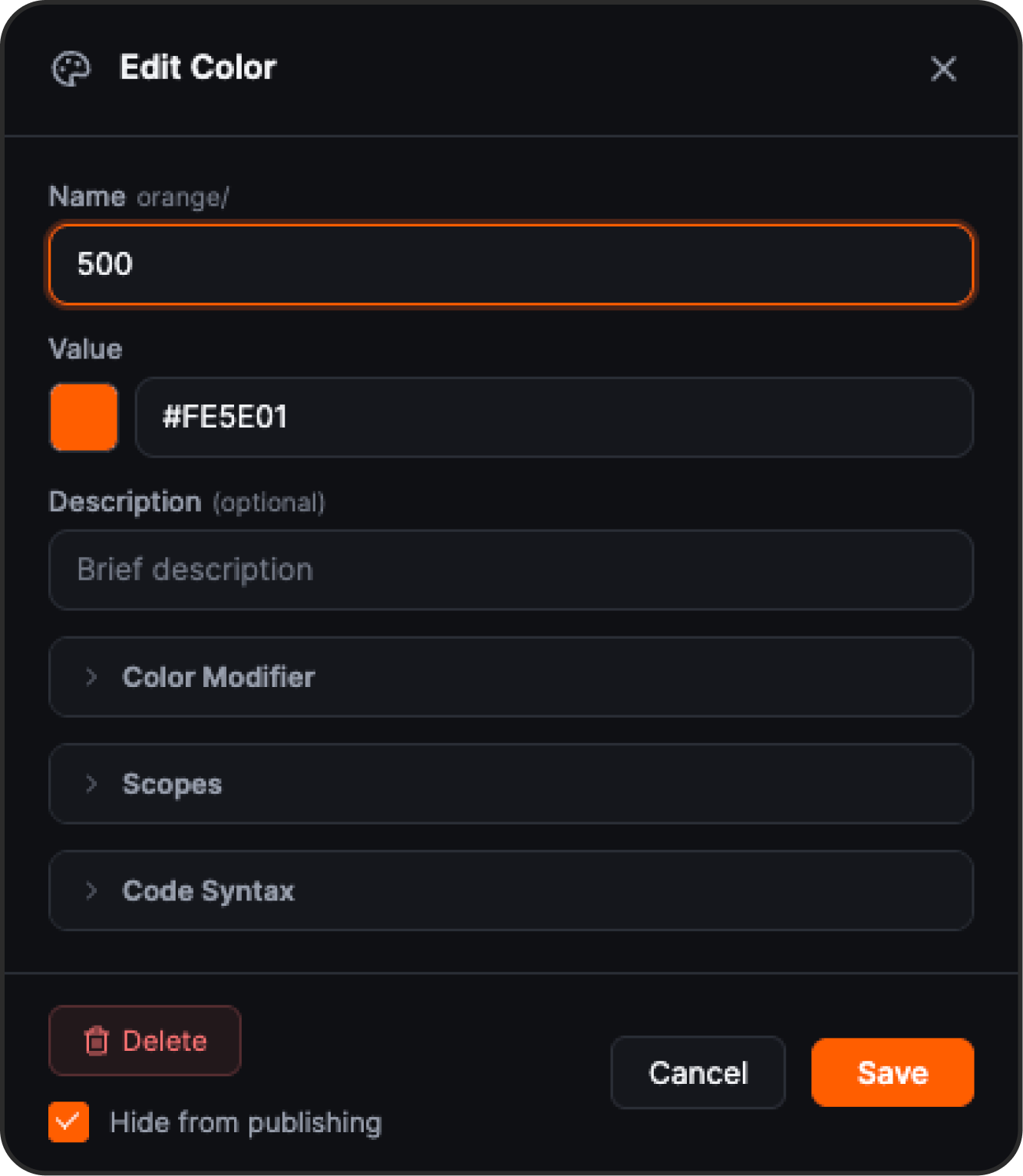
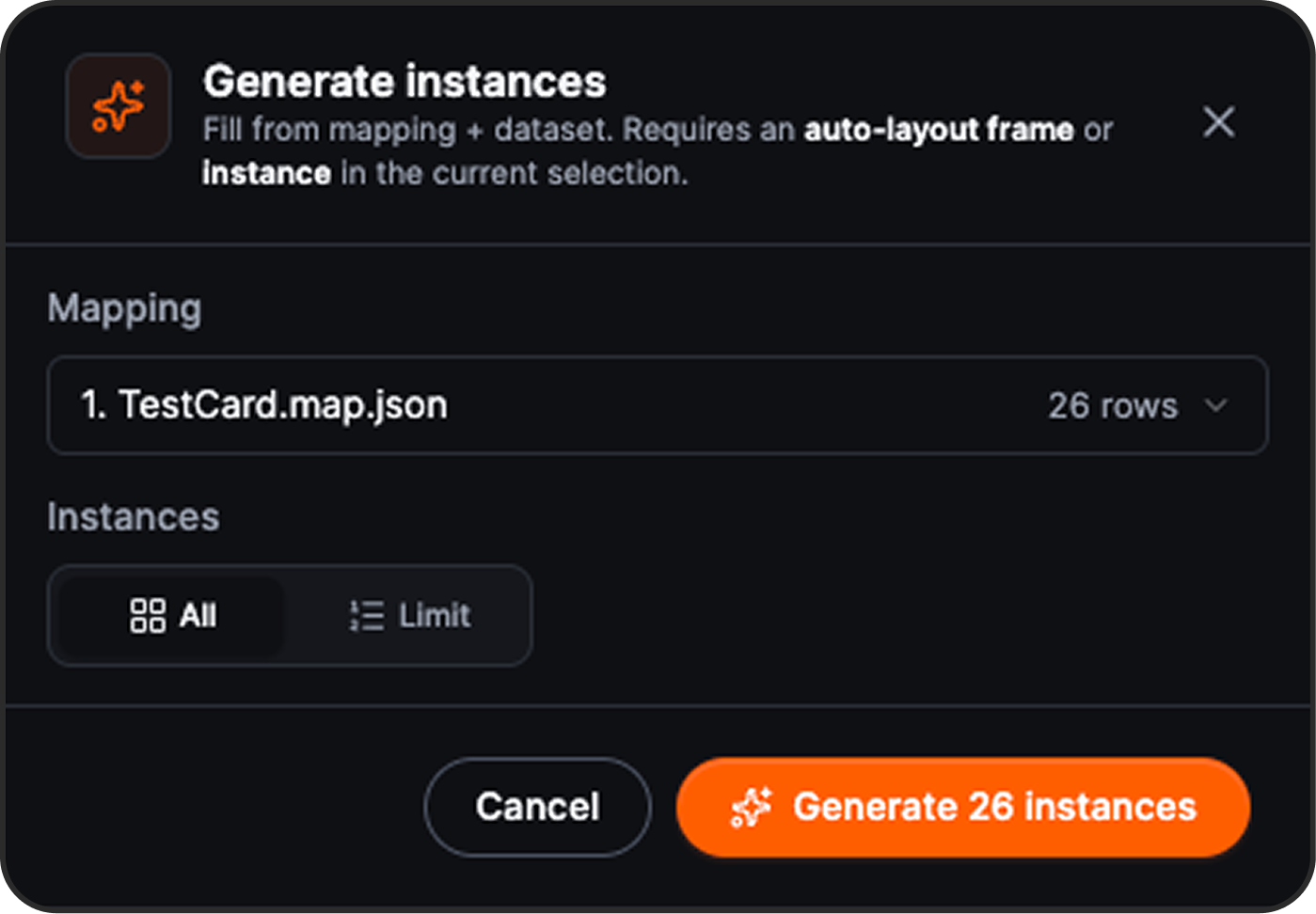
One plugin, one bridge, one contract — every surface of your design system stays in sync, from Figma to VS Code to CI.
Be grounded. A single token graph and component map — your source of truth, mirrored across Figma, code and CI.
Use your favourite tools without leaving them. Every piece of SXL Studio speaks the same tokens and the same contracts.
DTCG JSON is the source. Apply writes Figma Variables deterministically; Generate lifts them back. Mapping packs target brand, mode, and platform without fighting the canvas.
Deterministic Apply
Idempotent writes, per-collection scope, mode-aware.
Generate from Figma
Round-trip Variables into DTCG with annotations preserved.
Mapping packs
Brand, mode, and platform splits — composed, not copied.
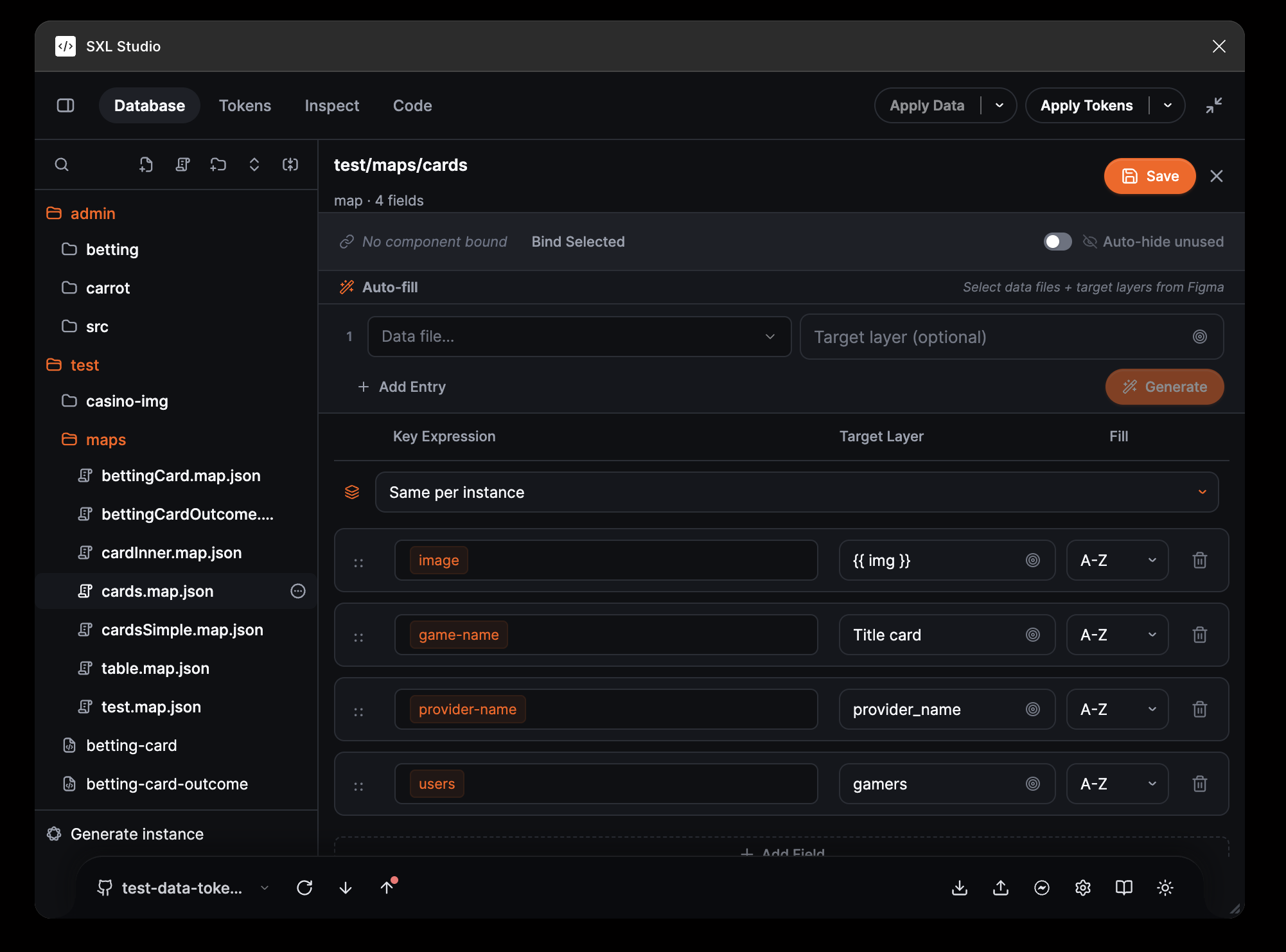
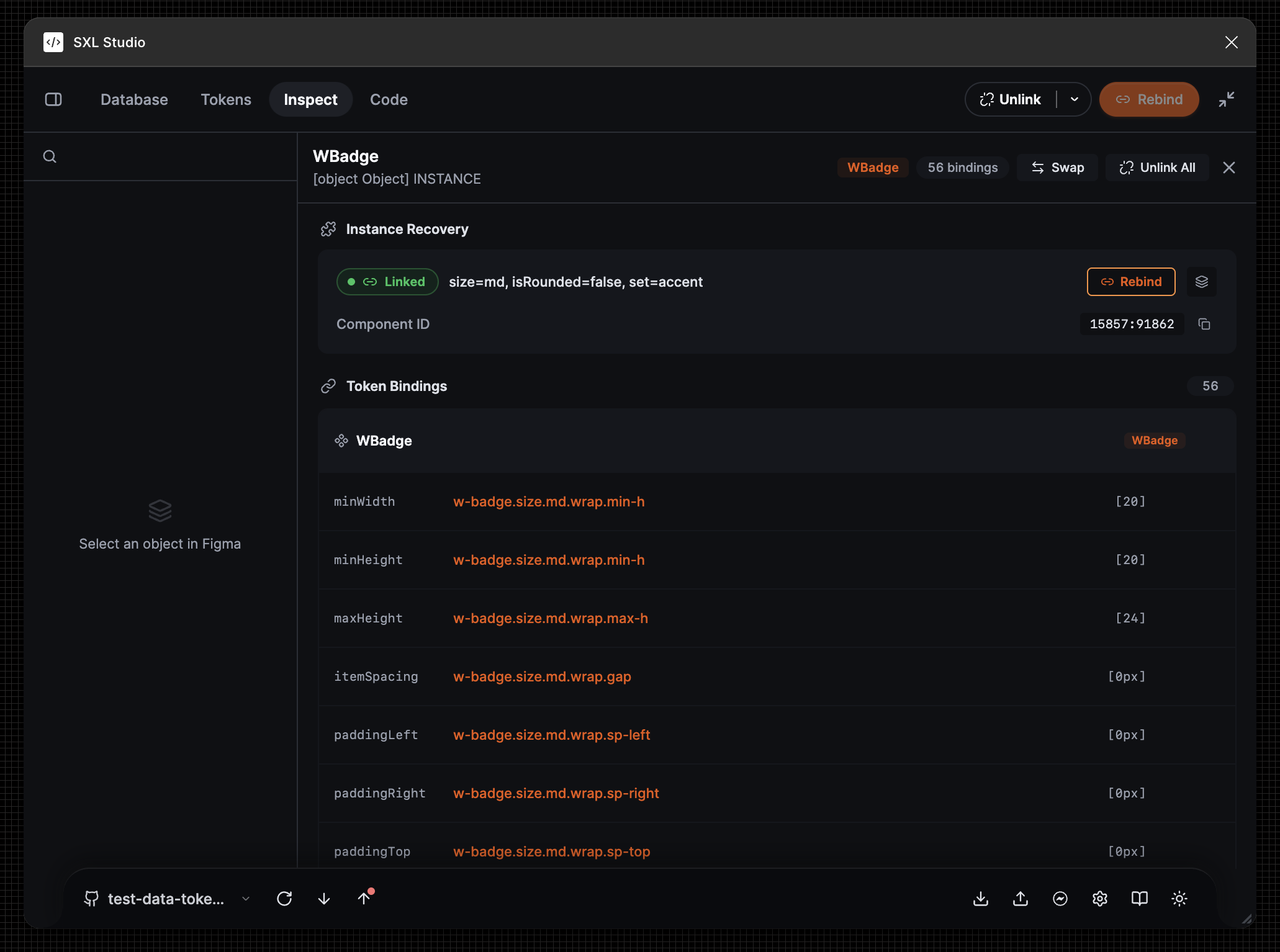
Real layouts you can inspect, swap, and re-target. Slots keep data and components separate, so a library change never means a redesign.
Inspect & Swap
Swap component sets without losing overrides or bindings.
Data-aware slots
Attach records to compositions and reuse across files.
Diff-ID export
Stable IDs make diffs readable in reviews and CI.
Remote Connect talks to Figma through a local Bridge with a strict command whitelist. Agents and MCP clients get a typed surface — without opening your files to the public internet.
Command whitelist
Only approved operations cross the boundary.
MCP-safe
Structured requests with explicit scopes and audit trails.
Ship with your repo
Bridge lives next to your code and CI, not in a SaaS.
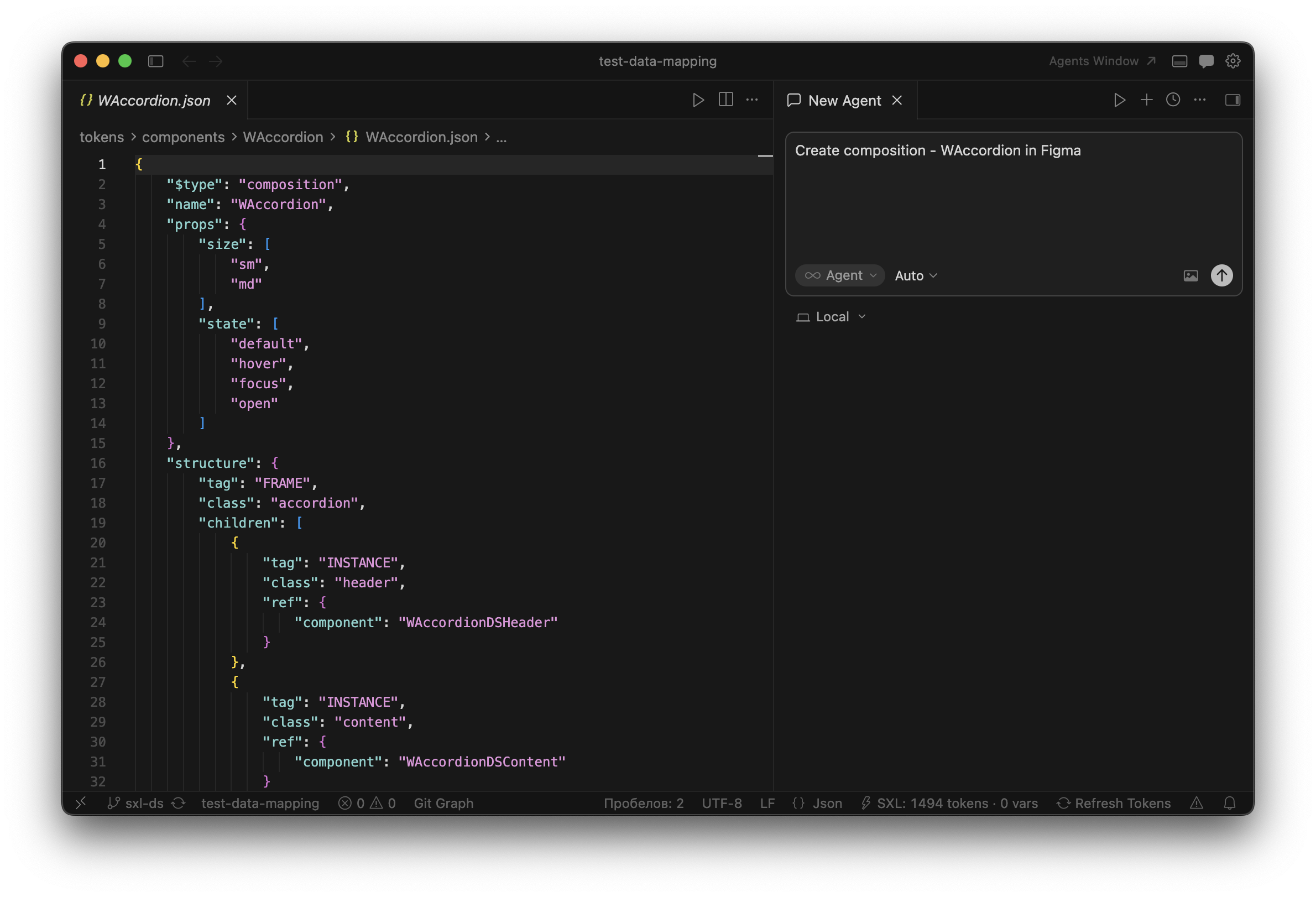
Dev Mode renders CSS, SwiftUI, Kotlin, and Vue from the same tokens and compositions you already ship. The Token Transformer CLI and IDE Resolver keep the same contracts off the canvas.
Dev Mode codegen
Snippets generated from composition intent, not screenshots.
Git sync
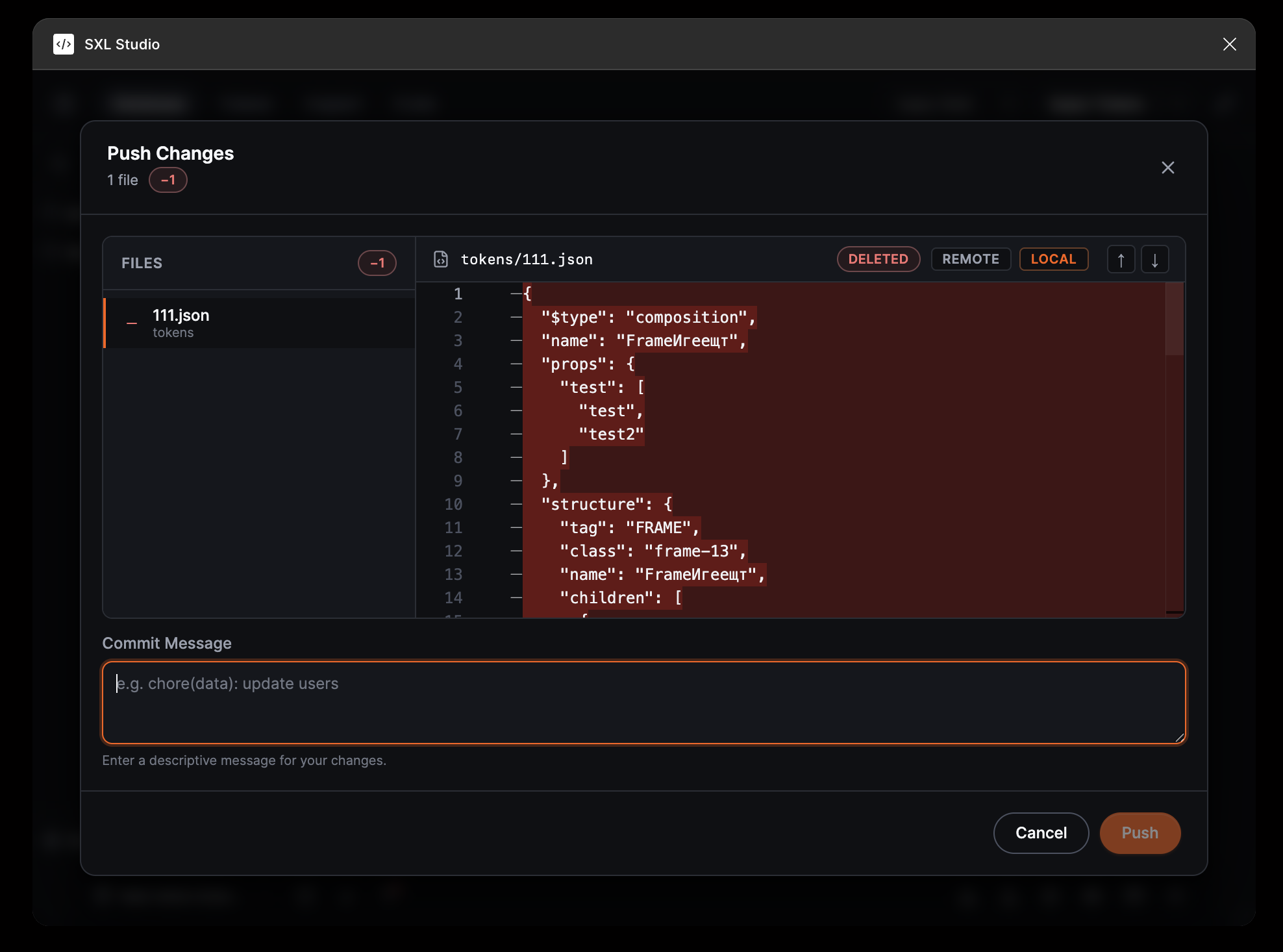
GitHub / GitLab flows with review-friendly diffs.
CLI & VS Code
Token Transformer and Resolver for your repo and editor.
One toolbox · three surfaces
Same tokens. Same composition contracts. Pick the surface that fits the job — SXL Studio keeps the rest in sync.
Typed UI ↔ main architecture. Tokens, compositions, database Apply/Generate, Inspect & Swap, Git sync, and Dev Mode codegen.
A local Bridge with a strict command whitelist. Remote Connect for agents and MCP, plus the Token Transformer CLI for off-canvas flows.
IDE Resolver jumps between tokens, aliases, and references — and shows the same contracts you ship in Figma, right inside your editor.
Ship the same system everywhere
Install the Figma plugin for the full surface. Add Bridge, the Token Transformer CLI, and IDE Resolver when you want the same contracts in your repo and editor.